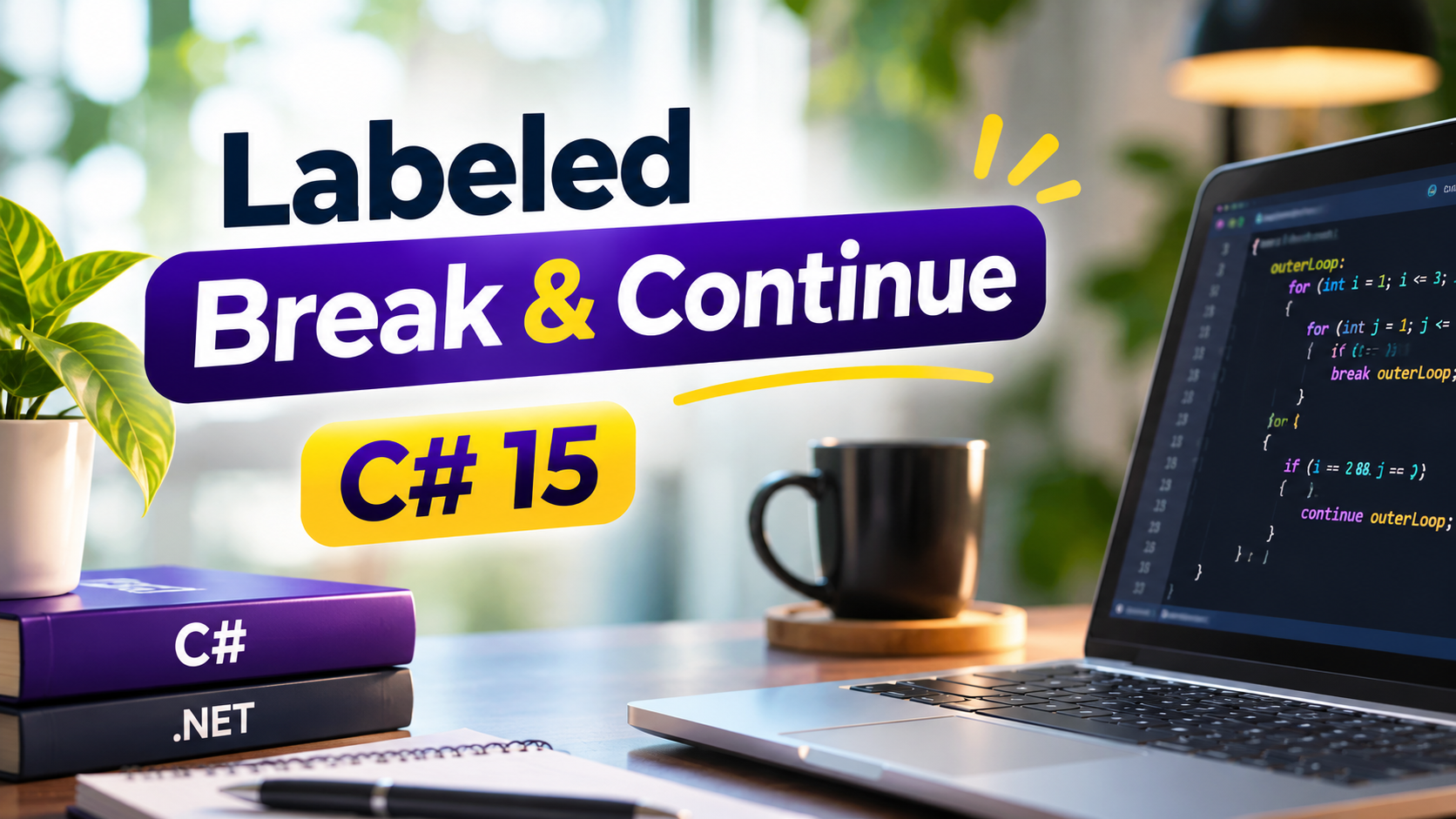
? C# 15: Labeled Break & Continue – Better Control Over Nested Loops!
Working with nested loops in C# can sometimes make program flow difficult to manage. Traditionally, the break statement exits only the innermost loop, while continue skips the current iteration of the innermost loop.
But what happens when you want to exit an outer loop or skip directly to its next iteration from inside an inner loop?
C# 15 introduces Labeled Break & Continue, a useful language enhancement that makes controlling nested loops easier, cleaner, and more readable.
With this feature, developers can assign labels to loops and reference those labels directly using break or continue.
What Are Labeled Break & Continue?
Labeled break and continue allow you to specify exactly which enclosing loop should receive the control-flow instruction.
Instead of relying on Boolean flags, additional conditions, or goto statements, you can directly target the required loop.
1. Labeled Break
A labeled break allows you to exit a specific enclosing loop, even when the statement is inside multiple nested loops.
outerLoop:
for (int i = 1; i <= 3; i++)
{
    for (int j = 1; j <= 3; j++)
    {
        if (i == 2 && j == 2)
            break outerLoop;

        Console.WriteLine($"{i} - {j}");
    }
}
Explanation:
- outerLoop identifies the outer loop.
- The inner loop checks a condition.
- When the condition becomes true, break ourterLoop exits the outer loop directly.
- Execution continues after the outer loop.
2. Labeled Continue
A labeled continue allows you to skip the remaining statements in the current iteration of a specific enclosing loop and move to its next iteration.
outerLoop:
for (int i = 1; i <= 3; i++)
{
    for (int j = 1; j <= 3; j++)
    {
        if (j == 2)
            continue outerLoop;

        Console.WriteLine($"{i} - {j}");
    }
}
Explanation:
- The outer loop is identified by outerLoop.
- When j==2, the continue outerLoop statement executes.
- The remaining inner-loop execution is skipped.
- The outer loop moves to its next iteration.
Why Is This Feature Useful?
- Cleaner Code: Avoid unnecessary Boolean flags and extra conditions.
- Better Readability: Clearly identify which loop should be affected.
- Simplified Logic: Manage complex nested-loop scenarios more easily.
- Less Bookkeeping: Avoid manually tracking whether an outer loop should stop.
- Improved Maintainability: Make control-flow intentions easier to understand.
Conclusion
Labeled Break & Continue is a valuable addition to modern C#. It gives developers more direct control over nested loops and reduces the need for traditional workarounds.
If you work regularly with nested loops, this is a C# 15 feature worth exploring.
Keep learning. Keep coding. Keep improving!
— Kaushal Rao