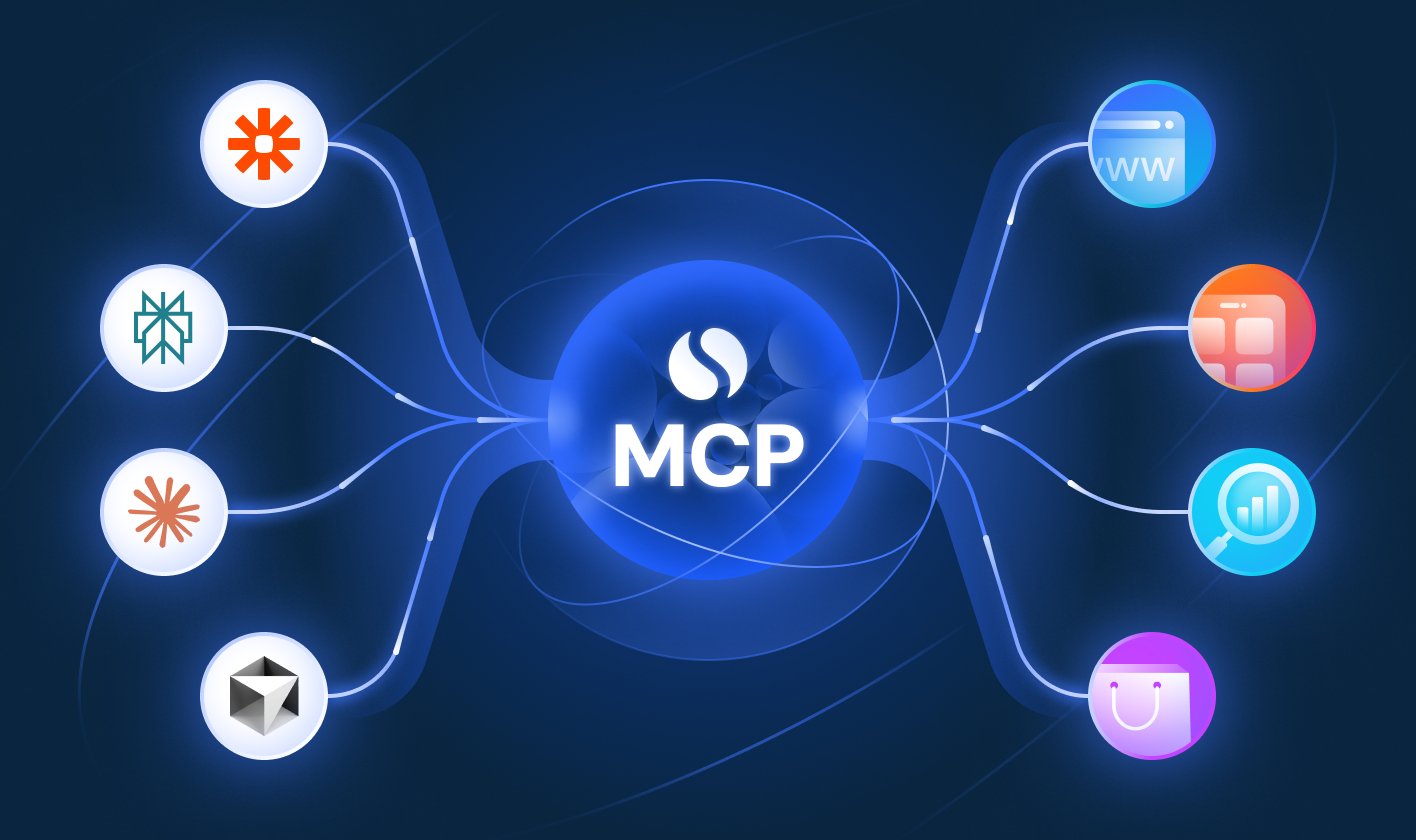
What Is MCP (Model Context Protocol)? A Complete Beginner’s Guide
Artificial Intelligence is changing how we develop software, automate tasks, and interact with applications. AI assistants can answer questions, generate code, summarize documents, and help developers solve complex problems.
But there is one important limitation: an AI model does not automatically have access to your files, databases, applications, or external services.
For example, imagine asking an AI assistant to:
- Retrieve customer details from your MySQL database.
- Read files from your computer.
- Find a specific issue in GitHub.
- Search project information stored in Google Drive.
- Fetch live information from an external API.
- Create a report using data from multiple applications.
How can an AI assistant connect to these different systems in a standardized way?
This is where MCP (Model Context Protocol) comes into the picture.
MCP provides a standard way for AI applications to connect to external data sources and tools. It was introduced by Anthropic in November 2024 and has since become an important part of the AI development ecosystem.
In this beginner-friendly guide, we will explore MCP, how it works, its architecture, its main components, real-world use cases, and how developers can get started.
1. What Is MCP?
MCP stands for Model Context Protocol.
It is an open protocol that standardizes how AI applications communicate with external systems, including databases, APIs, files, and business applications.
In simple words, MCP acts as a common communication standard between an AI application and external tools or data sources.
Think of MCP as a USB-C port for AI applications.
A USB-C port provides a standardized way to connect compatible devices. Similarly, MCP provides a standardized way for compatible AI applications to connect to tools and data sources.
Without MCP, developers might need to build separate integrations for different AI applications and external systems. With MCP, they can expose functionality through an MCP server and allow compatible clients to use it.
For example, a developer could create an MCP server that exposes specific operations from a MySQL database. A compatible AI application could then discover and use those operations without requiring a completely different integration for every AI client.
The important point is that MCP standardizes communication; it does not automatically give an AI access to every system. Developers must still implement the integration, configure permissions, and establish the necessary connections.
A Simple Example
Suppose you have an e-commerce application with a MySQL database containing customer orders.
You ask an AI assistant:
"Find the total sales for this month."
The AI assistant cannot automatically access your database simply because you asked this question.
You need a mechanism that allows the AI application to retrieve the relevant information.
An MCP server could expose a tool such as get_monthly_sales.
The AI application could use that tool to retrieve the data, interpret the results, and present a human-readable answer.
For example:
You: Find the total sales for this month.
AI assistant: I will retrieve the monthly sales data.
MCP server: Executes the approved database query and returns the result.
AI assistant: Your total sales for the month are ?8,50,000.
The amount is illustrative, but the workflow demonstrates the concept.
The AI understands the request, the MCP integration provides access to an appropriate operation, and the AI explains the returned result.
2. Why Do We Need MCP?
Before MCP, developers often created custom integrations to connect AI applications with external systems.
Imagine that you are building an AI assistant that needs to work with five systems:
- A MySQL database.
- GitHub.
- Google Drive.
- A weather API.
- A project management application.
If each AI application requires a separate custom integration for every system, the number of integrations can grow rapidly.
For example, if you have four AI applications and five external systems, you could end up maintaining as many as 20 application-to-system integrations.
This is an illustrative example, not a requirement that every integration must be built separately.
MCP helps reduce this integration complexity by providing a shared protocol.
Instead of implementing a completely different communication mechanism for every compatible AI client, developers can expose functionality through MCP servers.
The general idea is:
Without MCP:
AI Application A ? Custom Database Integration
AI Application A ? Custom GitHub Integration
AI Application B ? Another Database Integration
AI Application B ? Another GitHub Integration
With MCP:
AI Application A ? MCP Server ? Database
AI Application B ? MCP Server ? Database
AI Application A ? MCP Server ? GitHub
AI Application B ? MCP Server ? GitHub
The diagram illustrates the architectural idea. Actual compatibility depends on the applications, supported MCP features, authentication, and server implementation.
Key Benefits of MCP
1. Standardized communication
MCP provides a common protocol for exchanging information between compatible AI applications and external systems.
2. Reusable integrations
An MCP server can expose functionality that multiple compatible clients can use.
3. Access to external data
AI applications can retrieve information from connected databases, files, APIs, and other systems when authorized.
4. Tool execution
AI applications can use exposed tools to perform operations such as searching records, retrieving information, or calling APIs.
5. Easier AI application development
Developers can spend less time creating separate communication mechanisms and more time building useful AI-powered features.
6. Support for different environments
MCP servers can run locally or remotely, depending on the application architecture and transport configuration.
3. How Does MCP Work?
To understand MCP, imagine an AI assistant that needs to retrieve employee information from a company database.
The application has an AI model, but the model does not automatically have direct access to the database.
An MCP integration provides a standardized route to the required functionality.
Here is the basic workflow.
Step 1: The User Sends a Request
The user asks:
"Find the details of employee ID 101."
The AI application receives the request and determines that employee information is required.
Step 2: The AI Application Identifies an Appropriate Tool
The application can discover the tools exposed by a connected MCP server.
For example, the server might provide a tool named get_employee_details.
The tool's description explains its purpose, while its input schema specifies the expected parameters.
Step 3: The MCP Client Sends a Request
The MCP client communicates with the MCP server using the protocol.
It requests execution of the relevant tool with the necessary input.
For example:
employee_id = 101
The client and server exchange structured messages according to MCP's protocol rules.
Step 4: The MCP Server Executes the Operation
The MCP server receives the request and runs the corresponding application logic.
That logic might query a database, call an external API, or retrieve a file.
The server must enforce the appropriate authorization and validation rules.
Step 5: The MCP Server Returns the Result
The server returns the result to the client.
For example:
- Employee ID: 101
- Employee Name: Rahul Sharma
- Department: IT
These details are illustrative.
Step 6: The AI Generates the Final Answer
The AI application uses the returned information to construct a readable response.
The user receives the employee
Nice explanation